
The most effective way to lower an electricity bill is to reduce unnecessary heating, cooling, water heating and appliance use. Smart controls can help with suitable devices, but simple changes—such as adjusting temperature settings, running full loads and switching to LEDs—often matter more.
Schedule Suitable Devices, Not Everything
Timers and smart plugs can prevent lamps and compatible electronics from running longer than needed. Before connecting any appliance, check both the appliance instructions and the smart plug’s electrical rating. Appliances with motors, compressors or heating elements may require dedicated controls and should not be assumed to work safely with a general-purpose smart plug.
For a window air conditioner, use its built-in timer or a manufacturer-approved control if available. A lamp can be scheduled to switch off at bedtime, while computers and entertainment systems may offer their own automatic sleep or shutdown settings.
Space-heater safety: Never operate a portable electric heater through a smart plug, timer, power strip or extension cord. Plug it directly into a wall outlet, keep it away from combustible materials, and turn it off and unplug it when leaving the room or going to bed. See the NFPA portable space-heater safety guidance.
Track the Real Culprits
A plug-in electricity monitor can measure the energy used by compatible plug-in devices. For appliances that cycle on and off, collect data over several typical days rather than relying on an instant reading. Multiply the measured kilowatt-hours by the electricity rate shown on the utility bill to estimate operating cost.
Measurement helps separate meaningful loads from minor standby use. Refrigerators, air conditioners, electric dryers and heating equipment generally deserve more attention than a small charger. For a refrigerator, use the manufacturer’s recommended temperature range, keep door seals clean, allow air to circulate around the unit and avoid leaving the door open unnecessarily. Do not compromise safe food storage simply to reduce electricity use.
For game consoles, televisions and computers, review their energy-saving settings and use full shutdown when practical. Some devices need standby power for updates, recordings or network functions, so unplugging them is not always the best option.
Use Outdoor Conditions When Practical
During mild weather, opening windows when the outdoor temperature is comfortable can reduce the need for air conditioning. Close windows and curtains before outdoor heat increases. Consider humidity, outdoor air quality, rain and home security before leaving windows open.
In colder weather, lowering the central thermostat modestly while sleeping or away can reduce heating demand. Thermal curtains and properly fitted window coverings may also limit drafts, but they should not cover heaters, radiators or ventilation openings.
Replace Frequently Used Bulbs With LEDs
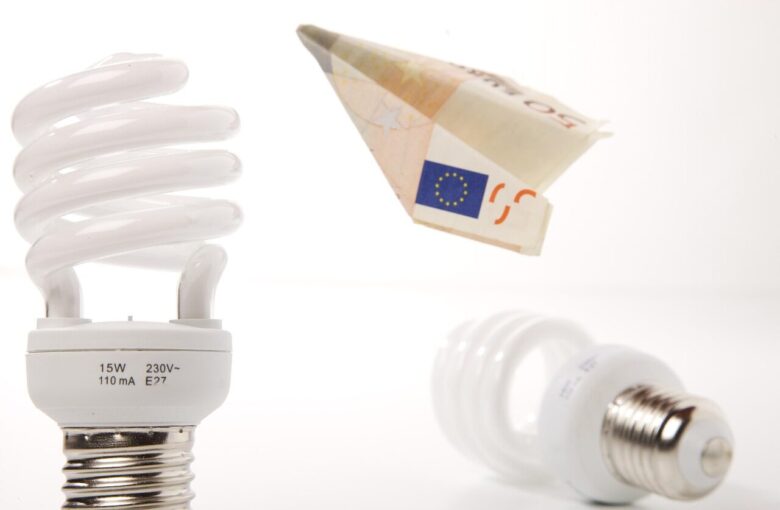
LED bulbs generally use much less electricity than traditional incandescent bulbs while providing comparable light output. Start with fixtures used for several hours each day, because those replacements offer the greatest opportunity to reduce lighting consumption.
Choose bulbs by lumens, which indicate brightness, rather than watts alone. Warm white light often suits bedrooms and living spaces, while neutral or cooler light may be useful in work areas. Check that the bulb is approved for enclosed fixtures or dimmer switches when applicable.
Focus on Repeatable Household Habits
Several low-effort habits can reduce avoidable electricity use:
- Run the dishwasher with a full—but not overcrowded—load, and use an economy or air-dry setting when suitable.
- Wash full laundry loads using the coolest appropriate water setting.
- Air-dry clothes when practical and permitted in the home.
- Turn off monitors, televisions and lights when they are no longer needed.
- Use thermostat schedules that match when the home is occupied, without making indoor temperatures unsafe or uncomfortable.
- Clean or replace HVAC filters according to the system manufacturer’s instructions.
Smart devices are most useful when they support a clear goal, such as preventing a lamp from being left on or adjusting a compatible thermostat when the home is unoccupied. They do not automatically guarantee savings, and buying extra equipment may not be worthwhile for a device that already uses very little energy.
For more information about choosing appropriate controls, see the guide to smart home devices for beginners.

The Yasamsitem Home Editorial Team creates practical and carefully reviewed content about home organization, smart living, household safety, storage solutions, and everyday wellness. Our goal is to provide clear, realistic, and useful guidance that helps readers create a more comfortable, organized, and functional home.