
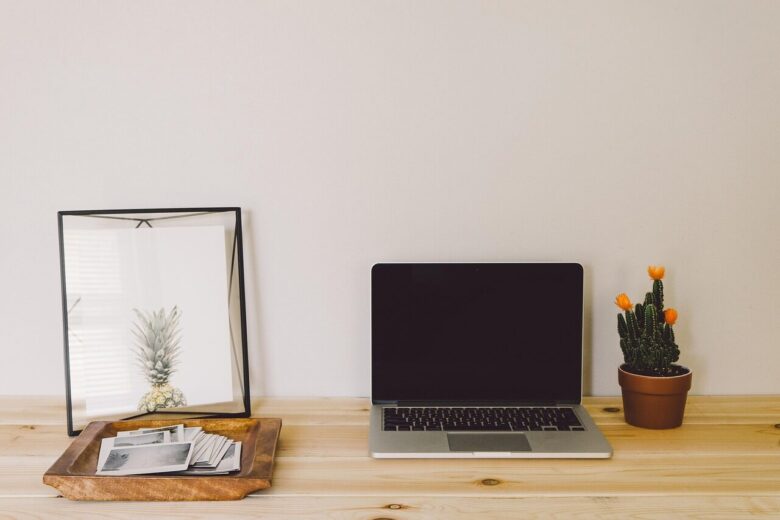
A useful home office does not require a dedicated room or expensive furniture. Start with a defined work zone, a supportive seating position, comfortable lighting and only the equipment your work requires. The goal is to make it easier to begin work, stay comfortable and put work away at the end of the day.
Define the Workspace Boundary
Choose one consistent location for work, even if it is only part of a dining table or a small desk in a bedroom. Keeping work in one place can reduce the need to set up repeatedly and makes it easier to separate work materials from meals and personal activities.
In a shared or multipurpose room, a folding screen, curtain, open bookshelf or even a desk mat can create a visible boundary. If the table must serve several purposes, store work supplies in a portable box or drawer so they can be removed when the workday ends.
Prioritize a Supportive Seating Position
The chair does not need to be new or expensive, but it should be stable and allow a comfortable working position. Ideally, sit with your feet supported, shoulders relaxed and elbows close to your sides. An adjustable seat height and useful lower-back support make it easier to adapt the chair to the desk.
If the chair is too high for your feet to rest flat, use a stable footrest. A small cushion or rolled towel may provide temporary lower-back support, but it cannot correct a chair or desk that is significantly the wrong height. Persistent pain or numbness should not be treated as a normal part of working from home.
Position the Screen and Keyboard
Place the screen directly in front of you rather than off to one side. Keep it at a comfortable viewing distance and adjust its height so you are not repeatedly bending your neck downward. If you raise a laptop on a stable stand or stack of sturdy books, add a separate keyboard and mouse so your arms can remain in a comfortable position.
A second monitor and standing desk are optional, not basic requirements. Consider them only when they suit the tasks you perform and the space available. A simple laptop setup can be sufficient when it is arranged comfortably.
Control Glare and Task Lighting
Placing a desk perpendicular to a window often helps limit direct glare, although the best position depends on the room and the direction of the light. Avoid putting a bright uncovered window directly behind the screen or in your line of sight. Curtains or blinds can help when daylight changes throughout the day.
A lamp with an adjustable arm can direct light toward papers or the keyboard without shining into your eyes or reflecting on the screen. Some people prefer cooler-looking light while working and warmer light later in the day, but comfort and glare control matter more than following a specific color-temperature rule. For related ideas, see this guide to home lighting for calm and cozy spaces.
Minimize Visual Clutter
Keep frequently used items within reach and give everything else a storage location. A basic desktop might hold a computer, lamp, notebook and pen, while reference materials and occasional supplies can go in a drawer, shelf or labeled container.
Cable clips, reusable ties or an under-desk tray can keep cords away from feet and moving chair parts. Do not tightly bend, pinch or cover power cords, and arrange power strips according to their manufacturer’s instructions rather than connecting multiple strips together.
Choose Tools for the Work You Do
Begin with the essentials instead of buying equipment for an imagined future workflow. A paper notebook may be enough for a short daily task list, while project-based work may require a calendar or task-management app. The useful system is the one that can be checked and updated consistently.
A phone timer, computer reminder or kitchen timer can provide prompts for periodic pauses. Use those breaks to change position, move around or look away from the screen. The interval does not have to be fixed at 25 or 45 minutes; choose a schedule that fits the task without interrupting every period of concentration.
For distracting background noise, try closing the door, moving the desk away from a shared area or using low-volume neutral sound. Headphones or a white-noise machine are optional and should not prevent you from hearing alarms, doorbells or other important sounds.
Create a Short End-of-Day Reset
Before leaving the workspace, file loose papers, close unnecessary browser tabs, note the next task and return supplies to their storage locations. In a multipurpose room, putting the laptop and work materials away creates a clear visual change between working time and personal time.
A simple home office is successful when it supports the work without taking over the room. Establish the boundary first, correct the seating and screen position, manage glare, and add equipment only when a real need becomes clear.

The Yasamsitem Home Editorial Team creates practical and carefully reviewed content about home organization, smart living, household safety, storage solutions, and everyday wellness. Our goal is to provide clear, realistic, and useful guidance that helps readers create a more comfortable, organized, and functional home.